
Agents overview
An agent is a reusable AI assistant you configure once and use many times — in Secure Chat or inside Workflows. An agent bundles a model, a system prompt, optional skills, tools it may call, and a knowledge base.
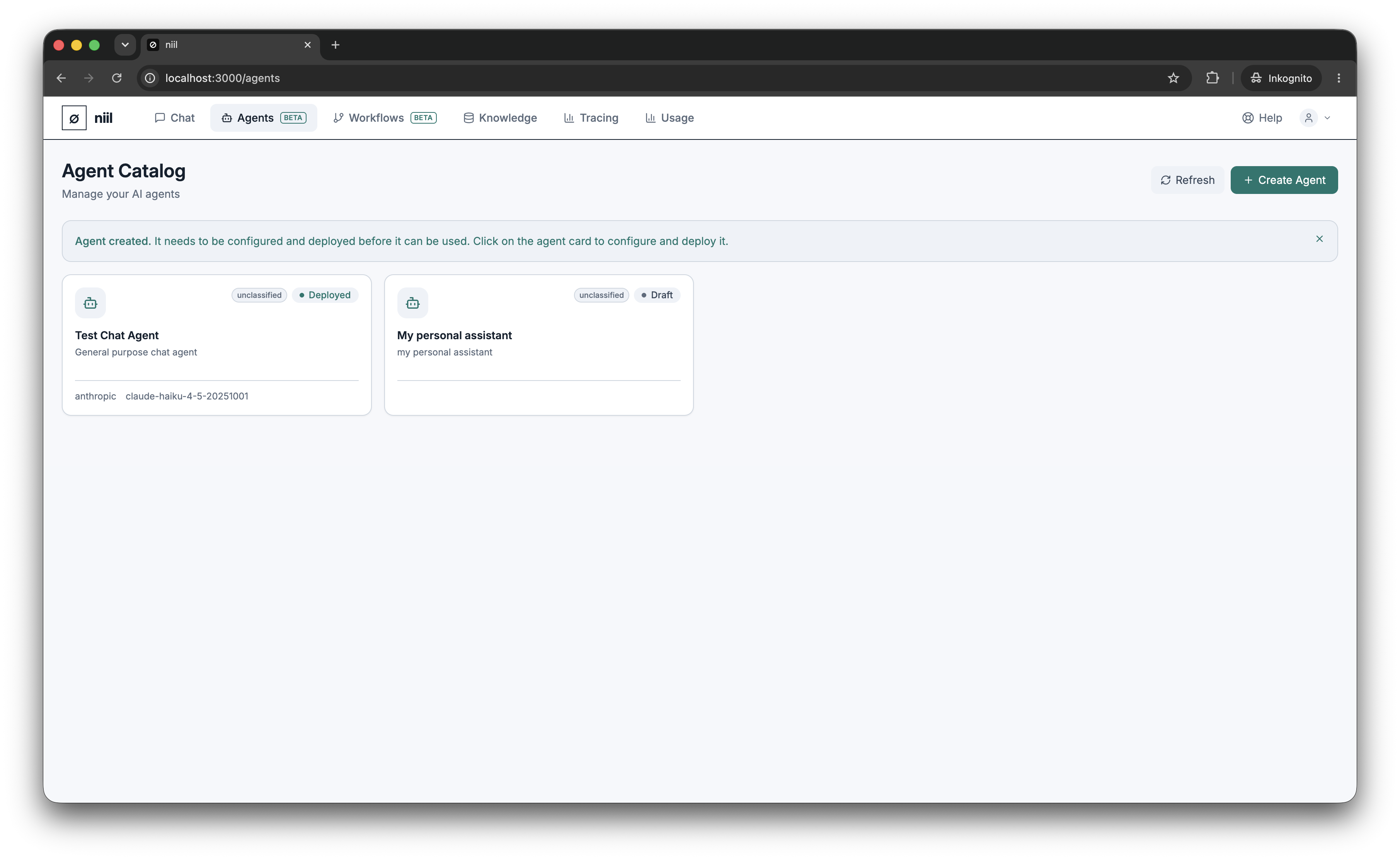
The catalog
The Agents page lists every agent in your organization as a card showing its name, status, and a summary of its model, tools and skills. Click a card to open the detail panel on the right, which has tabs for Configuration, Tools, Skills, and Versions.
Agent lifecycle
- Draft — created but not yet deployed. Editable.
- Deployed / Active — ready to use in chat and workflows.
The typical flow is: create → configure → deploy → use, iterating on the configuration over time (each save is captured as a version you can roll back to).
Create an agent
Choose Create agent, give it a name and a short description. It starts as a draft; continue to Configure an agent.