
Voice input & output
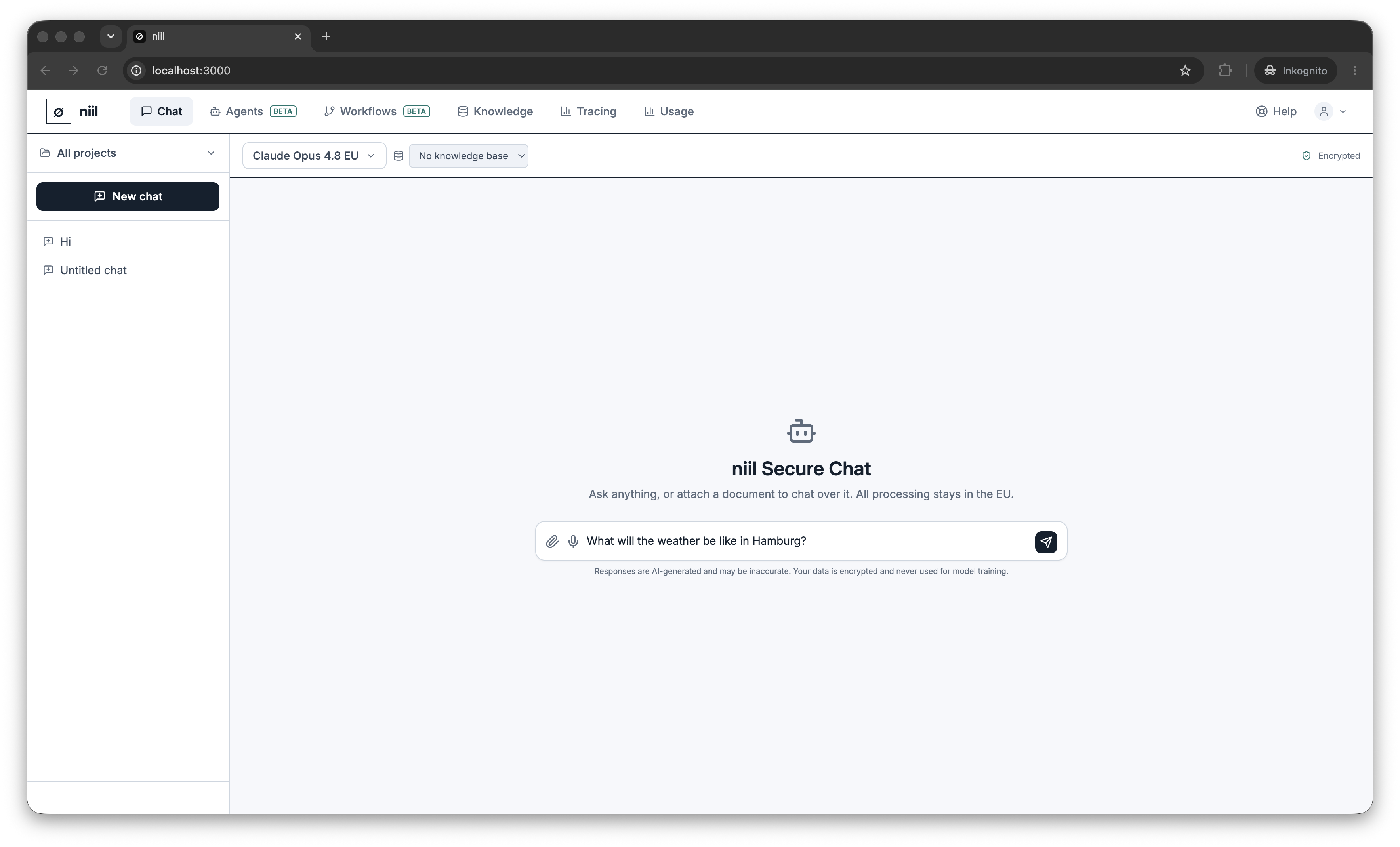
Voice input (speech to text)
Click the microphone in the composer, speak, and niil transcribes your words into the message box so you can review and edit before sending. Transcription is language-aware and, like the rest of niil, uses an EU-pinned speech endpoint when your organization requires EU processing.
Voice output (read aloud)
Turn on auto-speak to have assistant replies read aloud, or use the speak action on an individual message. Voice output uses your browser's built-in text-to-speech — nothing is sent to an external service for playback. Your auto-speak preference is remembered on your device.