
Workflows overview
Workflows let you connect agents, tools and steps into a repeatable process on a visual canvas — from a simple "summarize this and email it" to a multi-agent team coordinated by a lead agent.
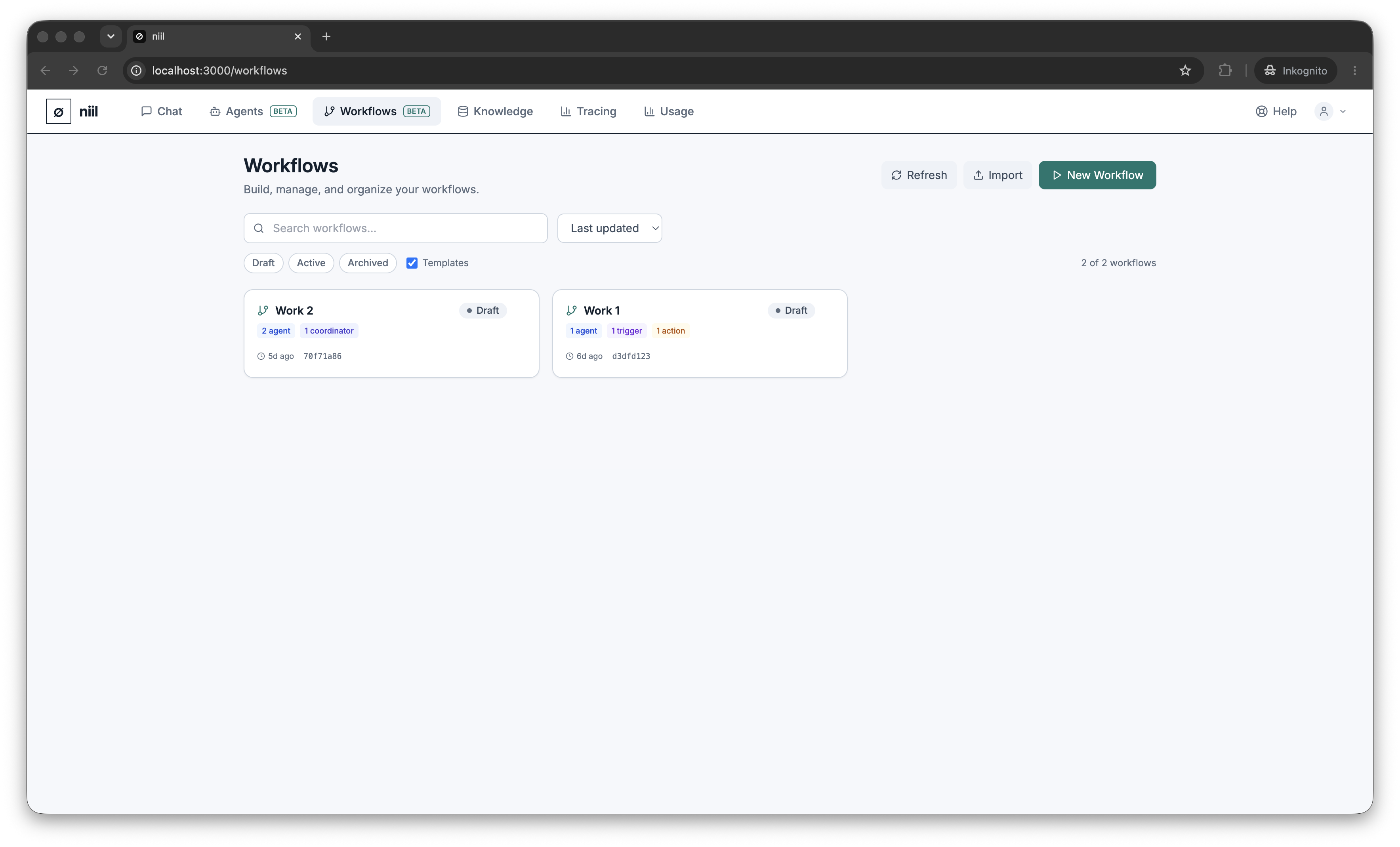
The list
The Workflows page shows your workflows as cards with their status (draft / active / archived), the node types they contain, and their tags. You can:
- Search by name/description and filter by status or tag.
- Sort by updated, created or name.
- Mark a workflow as a template to reuse its shape.
- Import a workflow from YAML or export one to YAML.
- Bulk-select to archive or delete several at once.
- Open any workflow in the canvas editor.
Create a workflow
Choose New workflow to open a blank canvas, or open an existing one to edit it. Next: The canvas.