
Files & knowledge
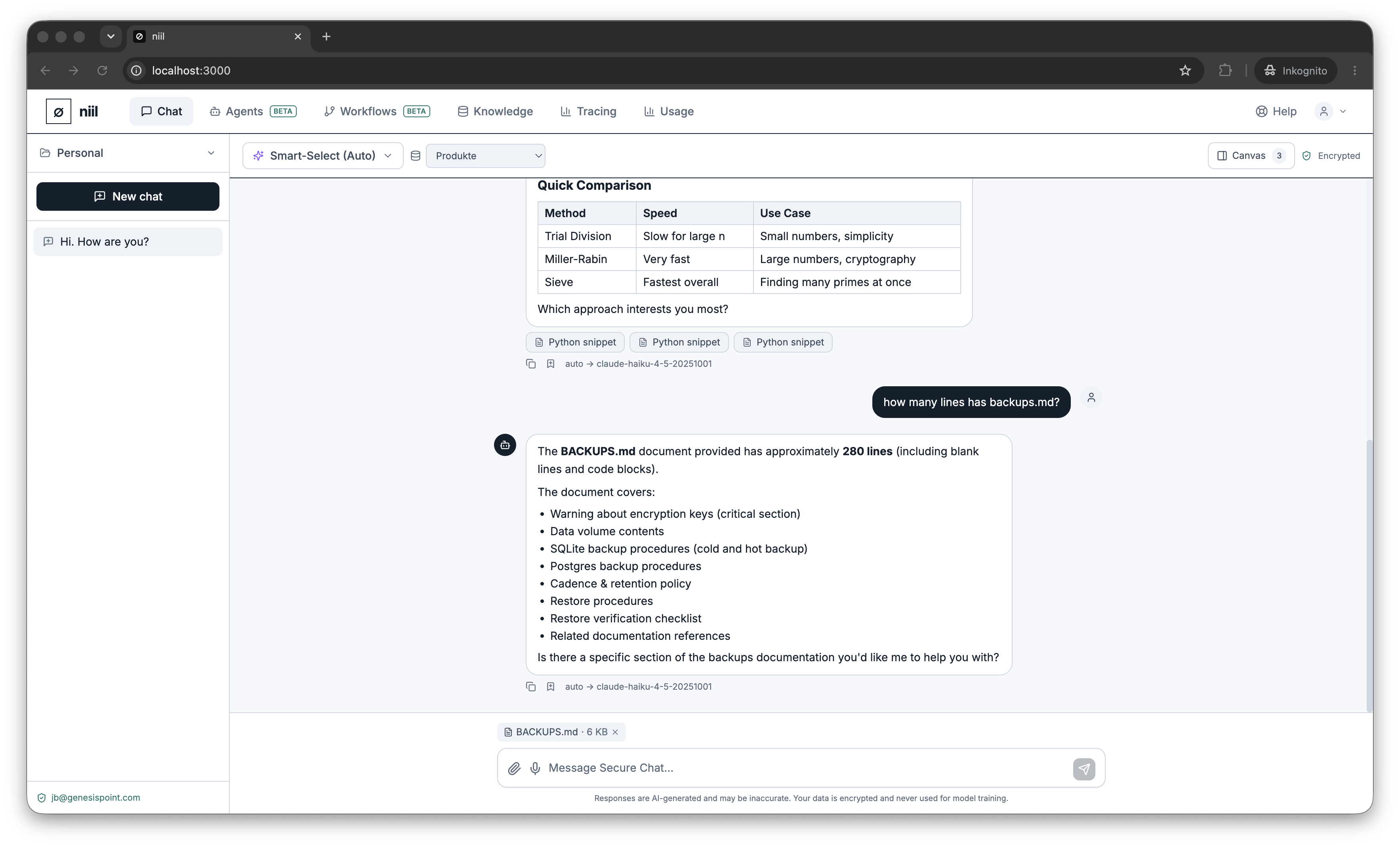
You can ground a conversation on your own material in two ways.
Attach files to a conversation
Use the attach button in the composer to upload documents for the current chat. Supported formats include .txt, .md, .csv, .json, .yaml, .pdf, .docx, .xlsx, .pptx (up to ~5 MB for PDFs, ~10 MB for Office files). Attached documents are encrypted at rest like the rest of the conversation, and the model can reference them in its answers. Remove an attachment anytime.
Ground on a knowledge base
Pick a knowledge base from the dropdown to let the model retrieve relevant passages from a larger, reusable collection of documents. You can attach a personal knowledge base (only you) or an organization one (shared with your team). Create and fill knowledge bases on the Knowledge bases page.
- Attach a file when it's relevant to this conversation only.
- Use a knowledge base when the same material should be reusable across many chats or agents.
Both stay within your organization and are encrypted at rest — see Encryption.