
Canvas & artifacts
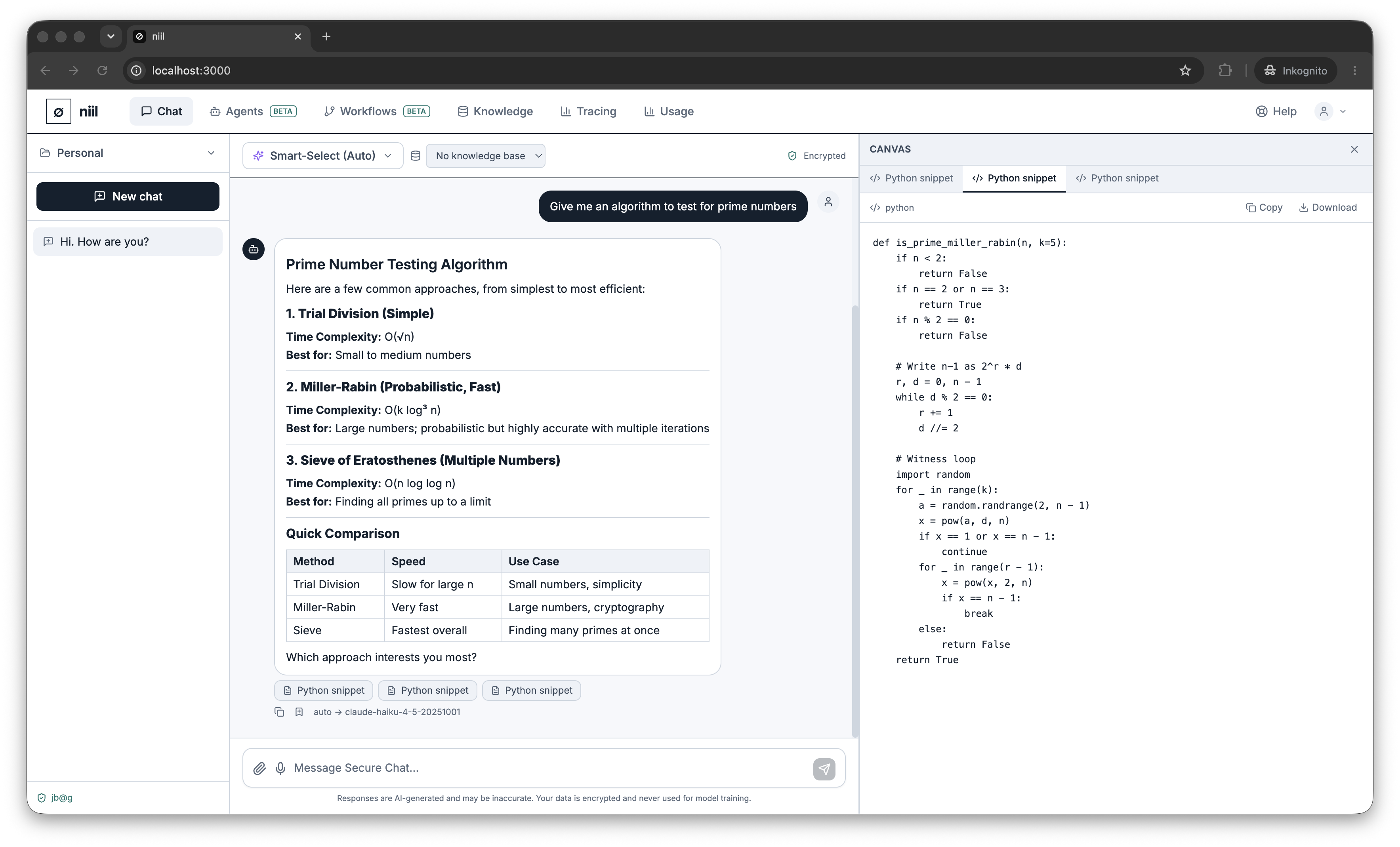
When the assistant produces a substantial, standalone piece of work — a document, a snippet of code, a structured result — niil surfaces it as an artifact in a side panel next to the conversation, instead of burying it in the message stream.
Working with artifacts
- The artifacts panel opens automatically when an artifact is generated, and slides in beside the chat.
- Artifacts are versioned: as the assistant revises its work across turns, you can move between versions to compare.
- Copy an artifact's contents to use it elsewhere.
This keeps long outputs readable and lets you iterate — ask for a change and the artifact updates as a new version while your conversation stays tidy.