
Organization settings
Org-admin
This page is available to organization admins under Organization.
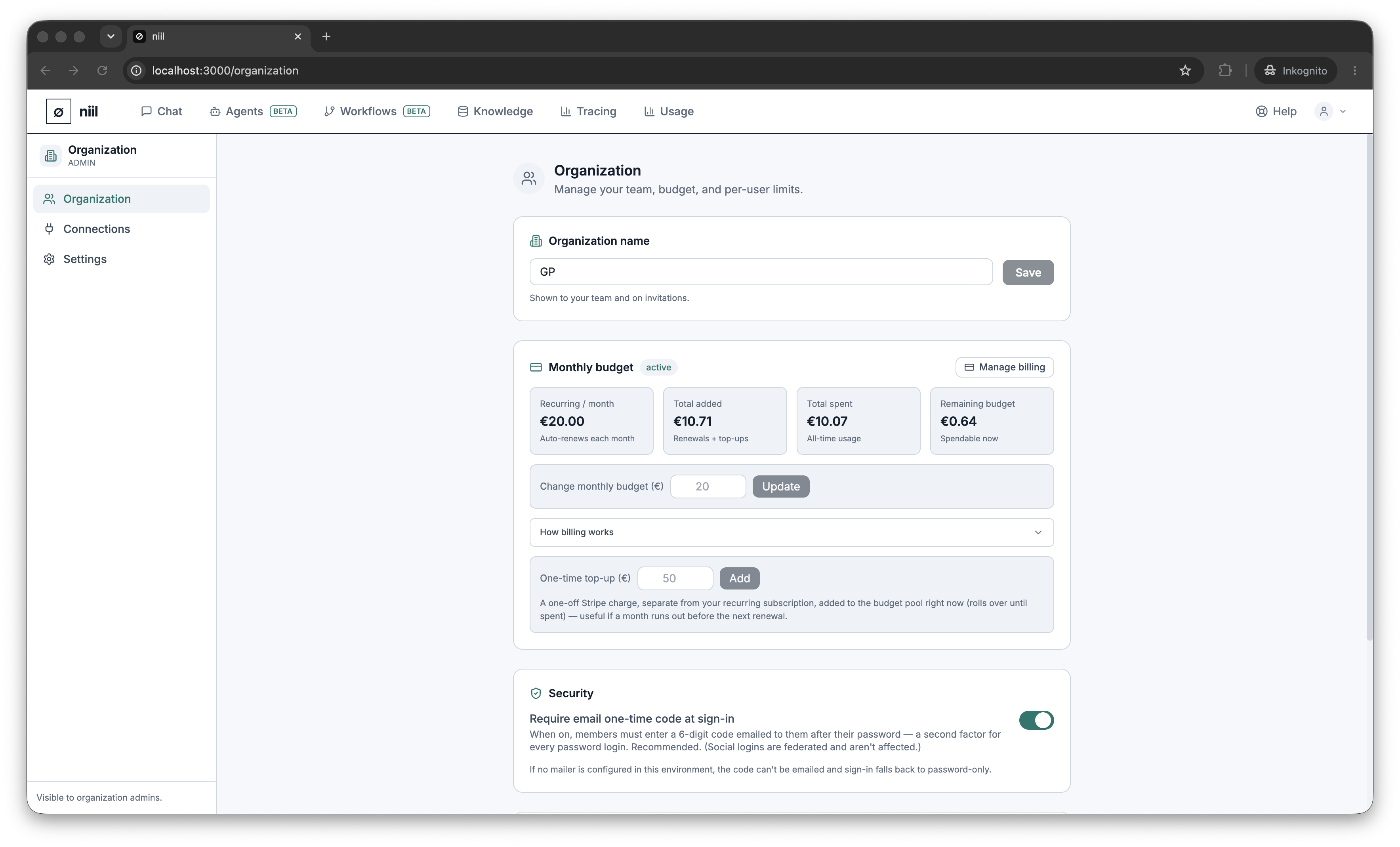
Organization details
Edit your organization's name. Your billing and plan status (Plans) are shown here too.
Members & seats
- See all members with their email and role.
- Invite a teammate by email — they receive an invite link (Sign up & sign in). Pending invitations are listed until accepted.
- Remove a member when they leave.
- Set a monthly spending limit per member so no single person can run up the whole budget.
Billing
Manage your subscription, add credit top-ups, and open the billing portal. See Plans & subscription.
Security policy
Set organization-wide security under Security & data residency — the data-protection / model-routing policy (Strict EU · EU models · All models) and the login MFA requirement.