
Sign up & sign in
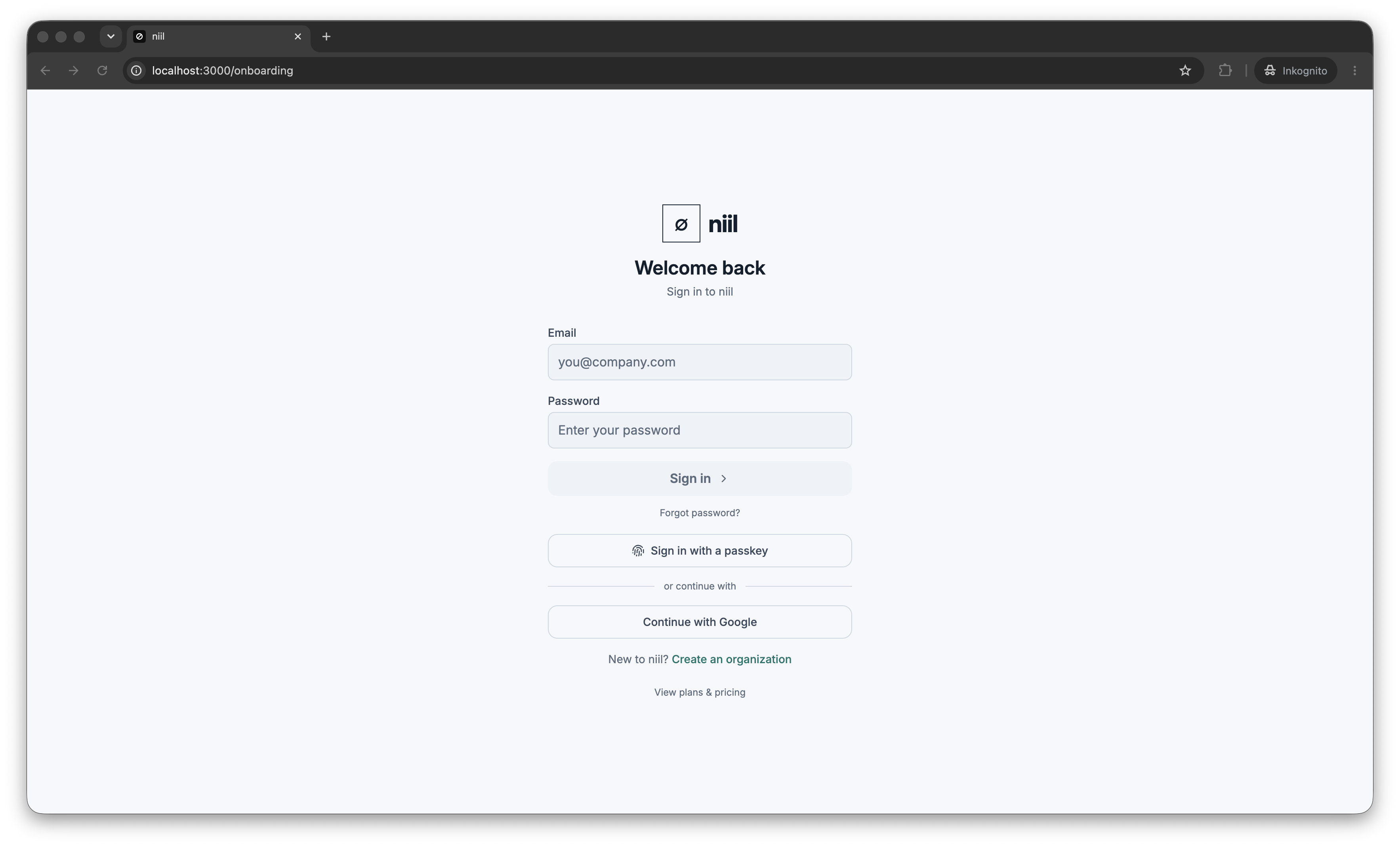
Create an account
Open your organization's niil URL and choose Sign up. You can register with:
- Email and password — enter your email, choose a password, and (for a brand new organization) a name for it.
- Social sign-in — continue with one of the enabled providers (e.g. Google, Microsoft, GitHub). You're taken to the provider and back automatically.
If email delivery is configured, you'll receive a verification email. Click the link to activate your account. You can resend it from the sign-in screen if it doesn't arrive.
Sign in
Return to the niil URL and sign in with your email and password, a passkey, or a social provider. If your organization requires it, you'll be asked for a one-time code after your password — see MFA & passkeys.
Joining by invitation
If an admin invited you, you'll get an invite link. Opening it shows the organization you're joining; set your password (if using email/password) and accept to create your account inside that organization. Expired or already-used links are rejected — ask your admin to resend.
Forgot your password
Use Reset password on the sign-in screen. You'll receive a reset link by email; follow it to set a new password. (Social and passkey users don't need a password at all.)
Where your session lives
niil uses a secure, HTTP-only session cookie. Behind HTTPS it's marked Secure, so it's never sent over plain HTTP. Signing out ends the session.