
Chatting with an agent
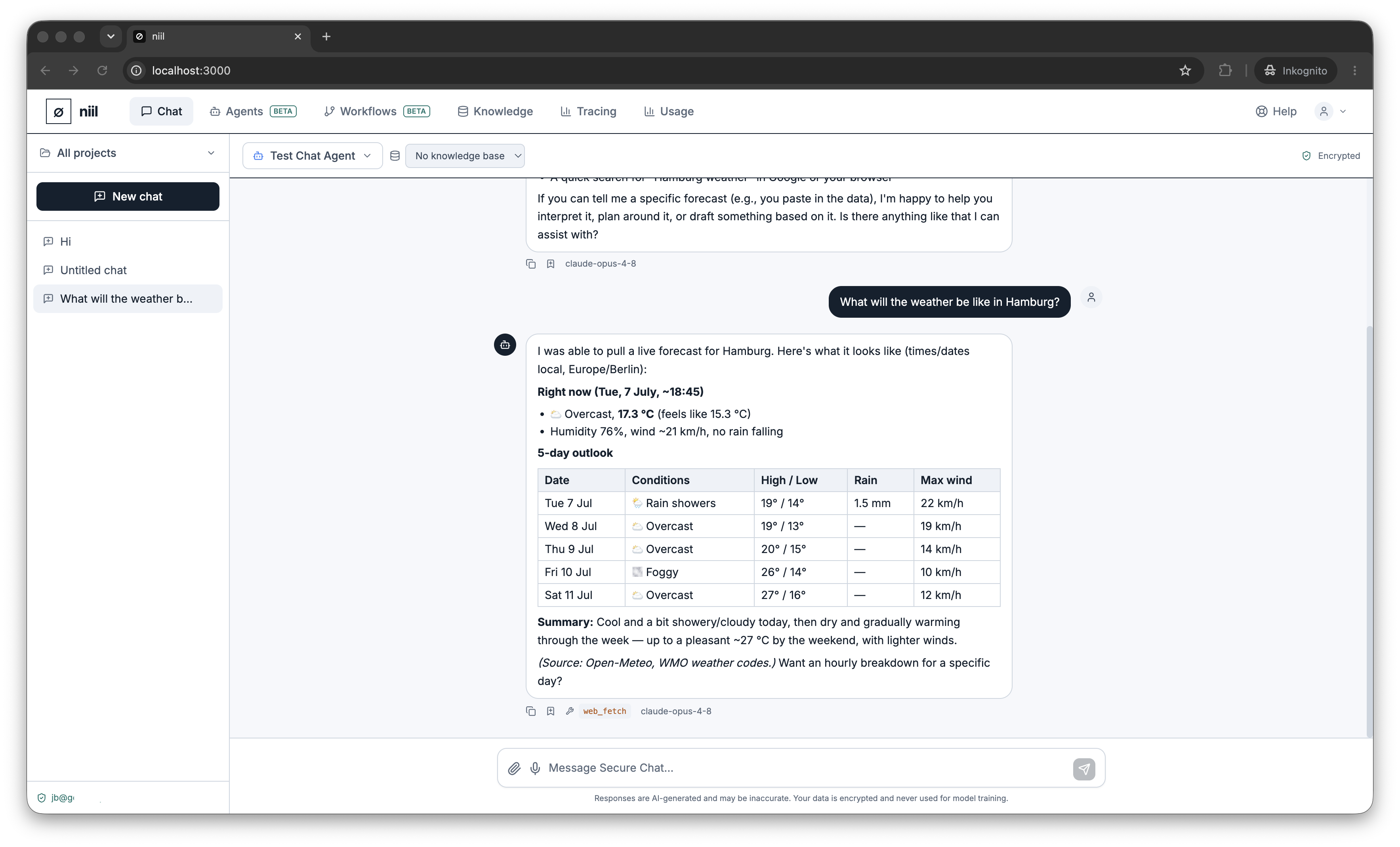
Instead of a plain model, you can chat with one of your agents. An agent brings its own instructions, skills, tools and knowledge to every turn — so it's a specialist you can talk to.
Make an agent available in chat
On the Agents page, open an agent and turn on Use in Secure Chat (or press Chat with this agent, which enables it and opens a fresh conversation with the agent pre-selected). It then shows up in the chat model picker under its own name.
What's different from a plain model
- The agent answers with its system prompt and skills, not the generic chat prompt.
- It can call the tools it's been granted and consult its knowledge base.
- It can delegate to sub-agents if it's configured to.
Because tools and knowledge require niil's runtime, an agent-in-chat turn will tell you clearly if the runtime is unavailable rather than silently answering without its tools.
Multi-turn
Agent conversations keep their full history, so you can have a back-and-forth and the agent remembers the context of the chat.