
Budgets & warnings
Org-admin
Budgets and spend warnings are managed by organization admins on the Usage page.
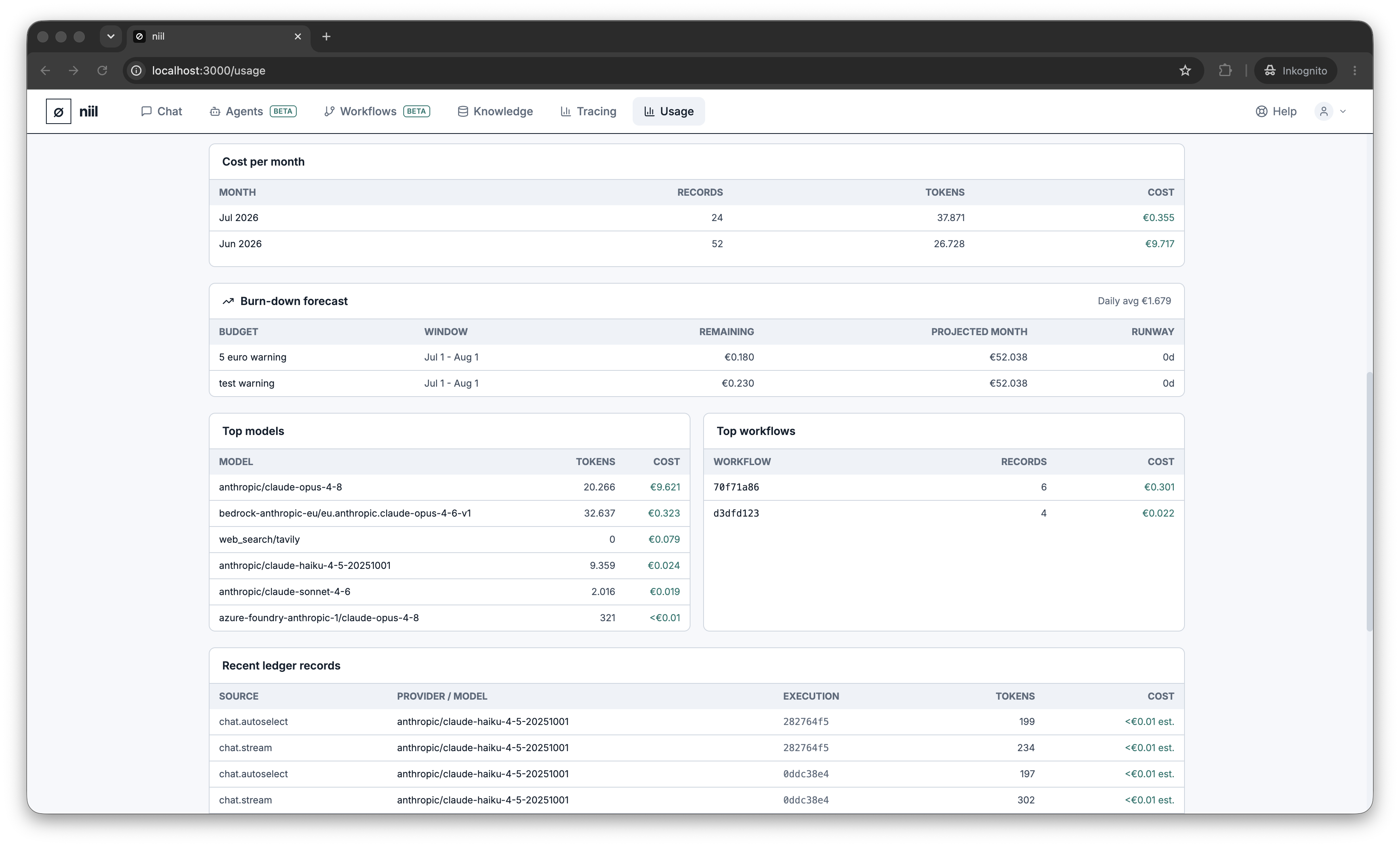
Spend warnings
Create named spend warnings with a euro threshold. When the organization's spend crosses a threshold, admins are alerted (by email, if email delivery is configured) so nobody is surprised by a bill. Add, edit and remove warnings as your needs change.
Per-person limits
You can also set a monthly spending limit per member under Organization → Settings. When someone's limit (or the organization's budget) is reached, further paid actions are blocked with a clear message rather than running up costs.
How budgets protect you
niil checks the projected cost of an action against remaining budget before running it. If a request would exceed what's left, it's blocked up-front — which is why an expensive model may be blocked while a cheap one still runs.