
Knowledge bases
A knowledge base is a reusable collection of documents that agents and chats can search for relevant context (retrieval-augmented generation). Upload your material once, then ground many conversations and agents on it.
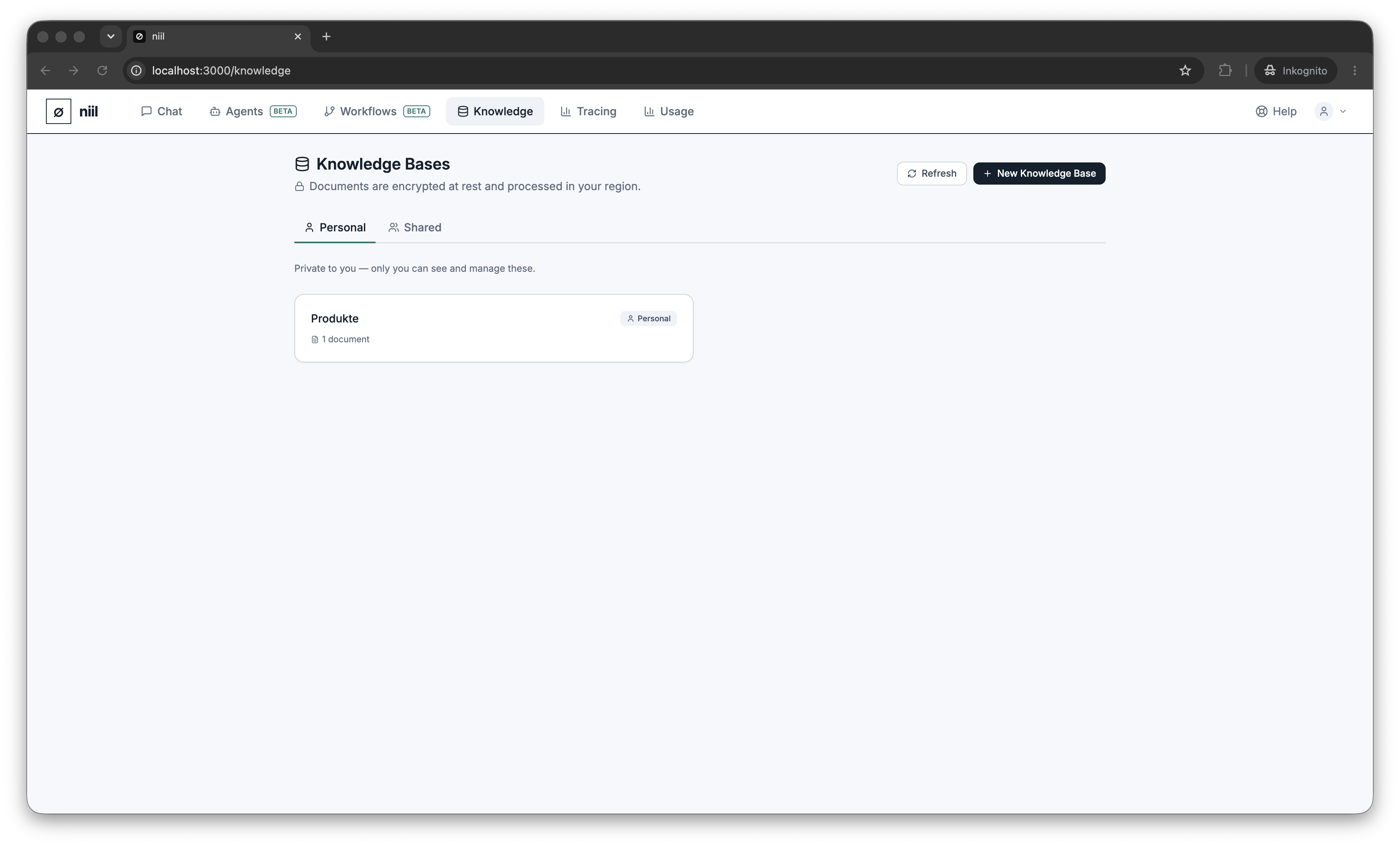
Personal vs organization
- Personal — visible only to you.
- Organization — shared with your whole team.
Switch between the two with the scope tabs.
Create and fill a knowledge base
- Create a knowledge base with a name and description.
- Open it and upload documents (.txt, .md, .csv, .json, .pdf, .docx, .xlsx, .pptx). niil indexes them for retrieval.
- Edit the name/description, add or remove documents, or delete the base anytime.
Use it
- In chat — pick a knowledge base from the composer's dropdown; see Files & knowledge.
- In an agent — set the agent's knowledge base so every conversation with it is grounded automatically.
- In a workflow — use a Knowledge node to pull context into a flow.
How retrieval works
Small knowledge bases are given to the model in full — it reads the whole base like a wiki. Larger bases fall back to retrieving the most relevant sections, and when your operator has enabled EU semantic search, retrieval matches on meaning, not just keywords. Either way, answers can cite the source document.
Encryption & storage
Documents are encrypted at rest, like everything else in niil. Content lives in the database by default, or — if your operator enables it — in EU object storage; either way only encrypted content is ever written, and deleting a base still crypto-shreds it. See Encryption.