
Interface tour
Layout
- Left navigation — switch between Secure Chat, Agents, Workflows, Knowledge, Tracing, Usage, and (for admins) Organization.
- Main area — the current page. In chat, this is your conversation; on other pages it's a list or editor.
- Context sidebar — in chat, your projects and conversation history.
Themes
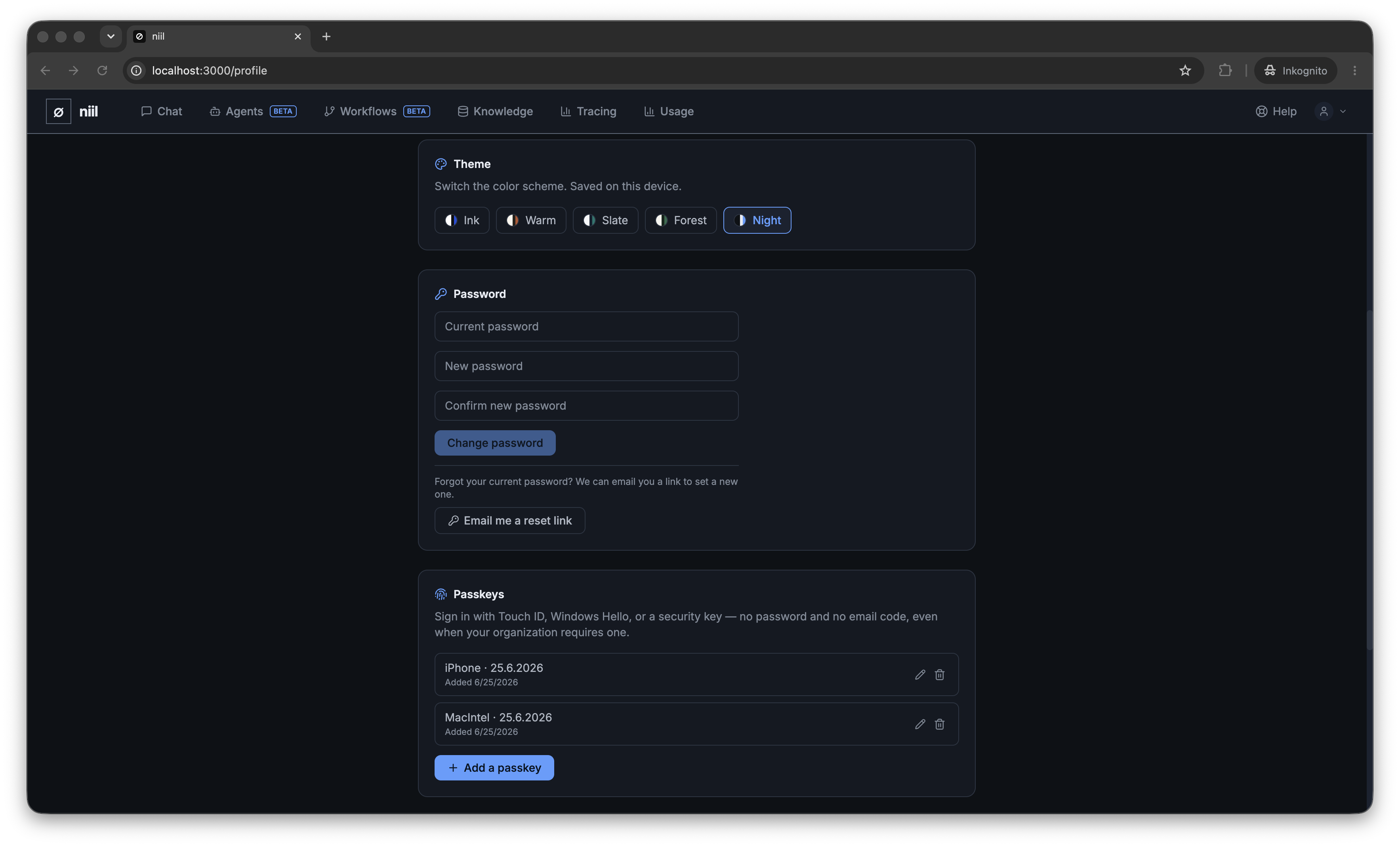
niil ships with five colour themes — ink (the default blue-on-white), warm, slate, forest and night (dark). Switch anytime under Profile → Appearance. Your choice is remembered on your device.
Language
The interface is available in English, German, French, Italian and Spanish. Change it under Profile → Language; it applies immediately and is remembered on your device.
Getting help
Each area of this guide mirrors a page in the app: